Know what’s coming down the line.
If a passing train still makes you look up, this is for you. See passenger trains and freight approaching the station you choose, including trains passing straight through.
Where would you put yours?
Beside your favourite books. Something to glance at between emails. Another train to show the children.
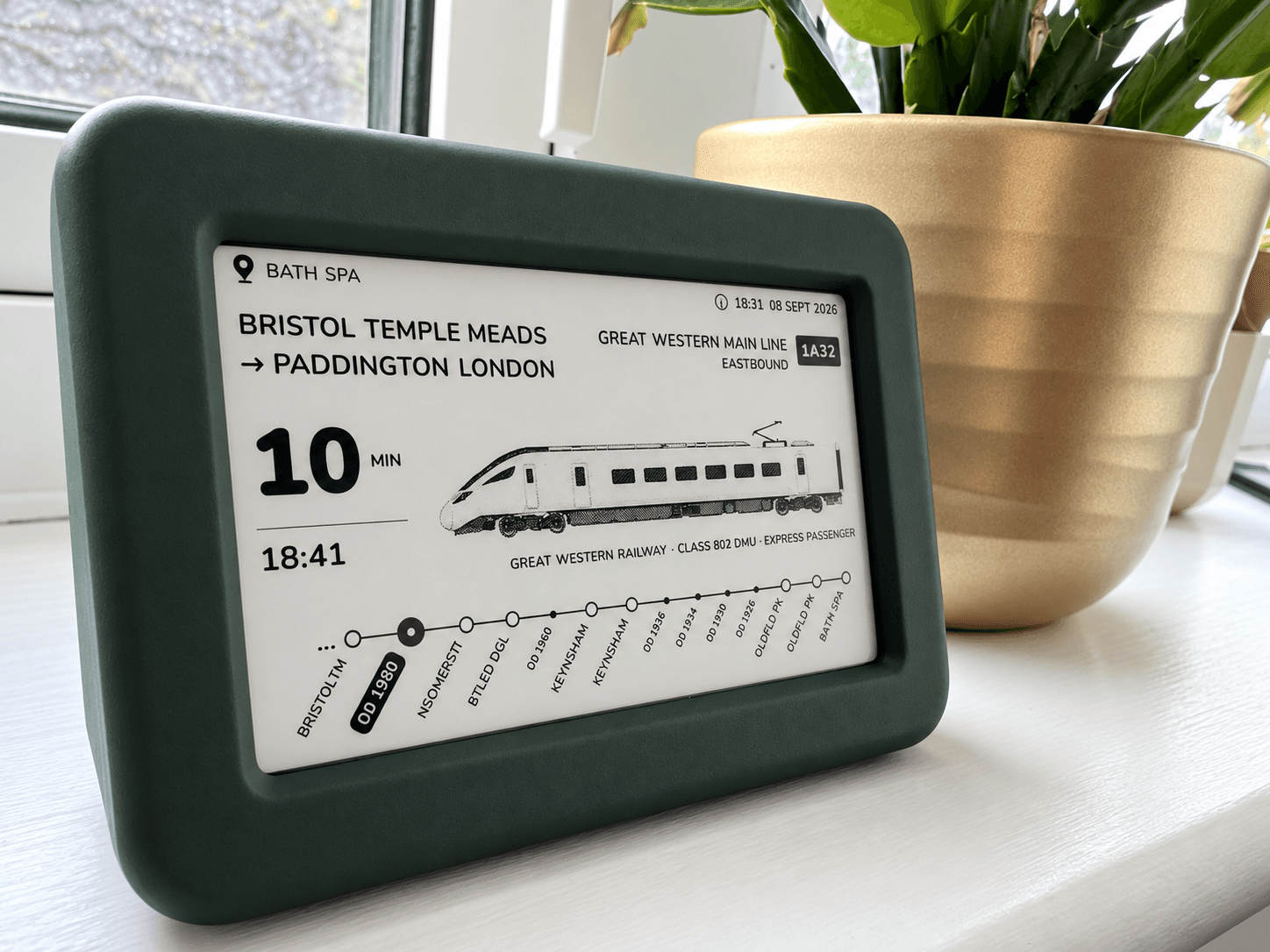
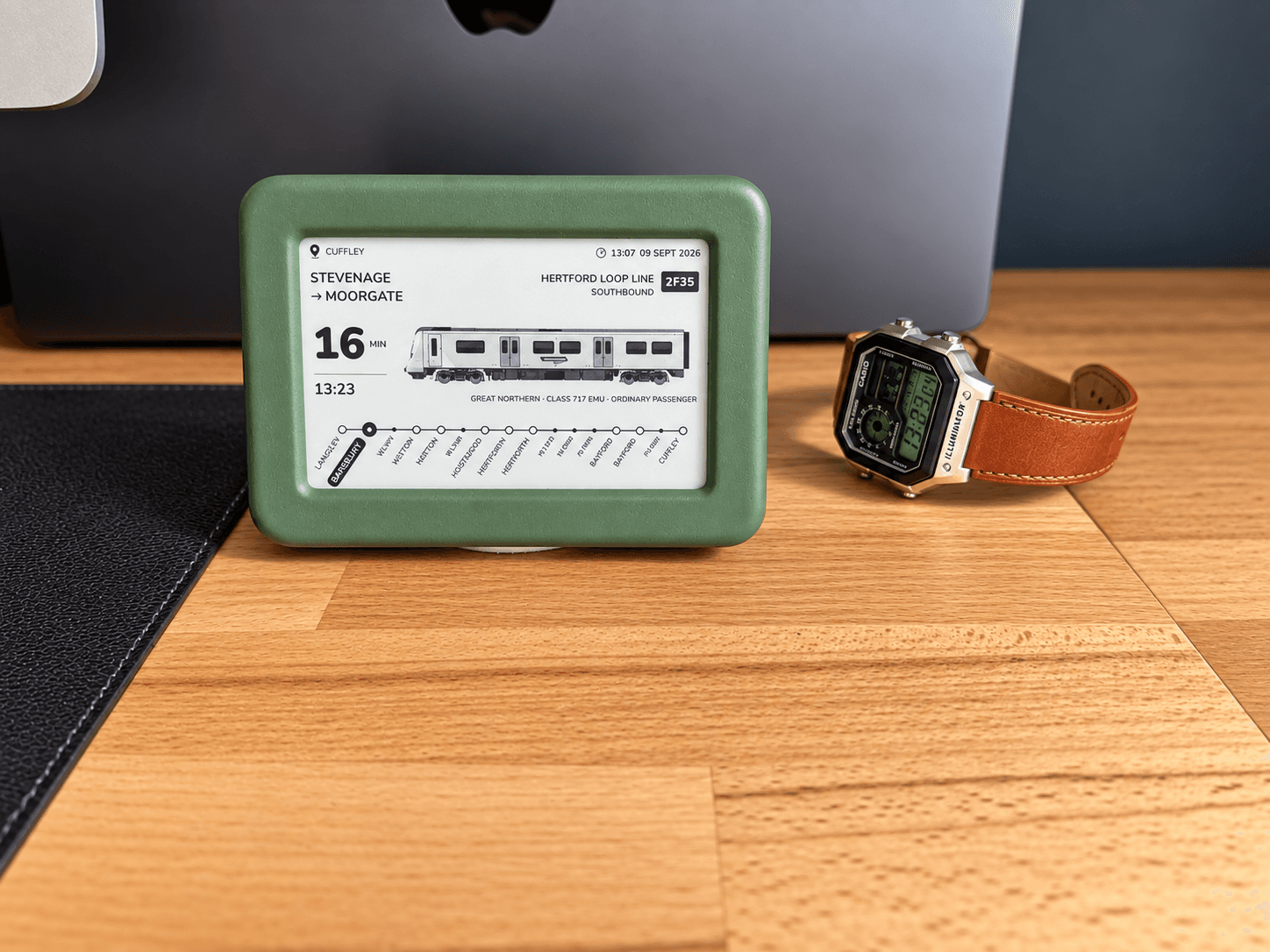
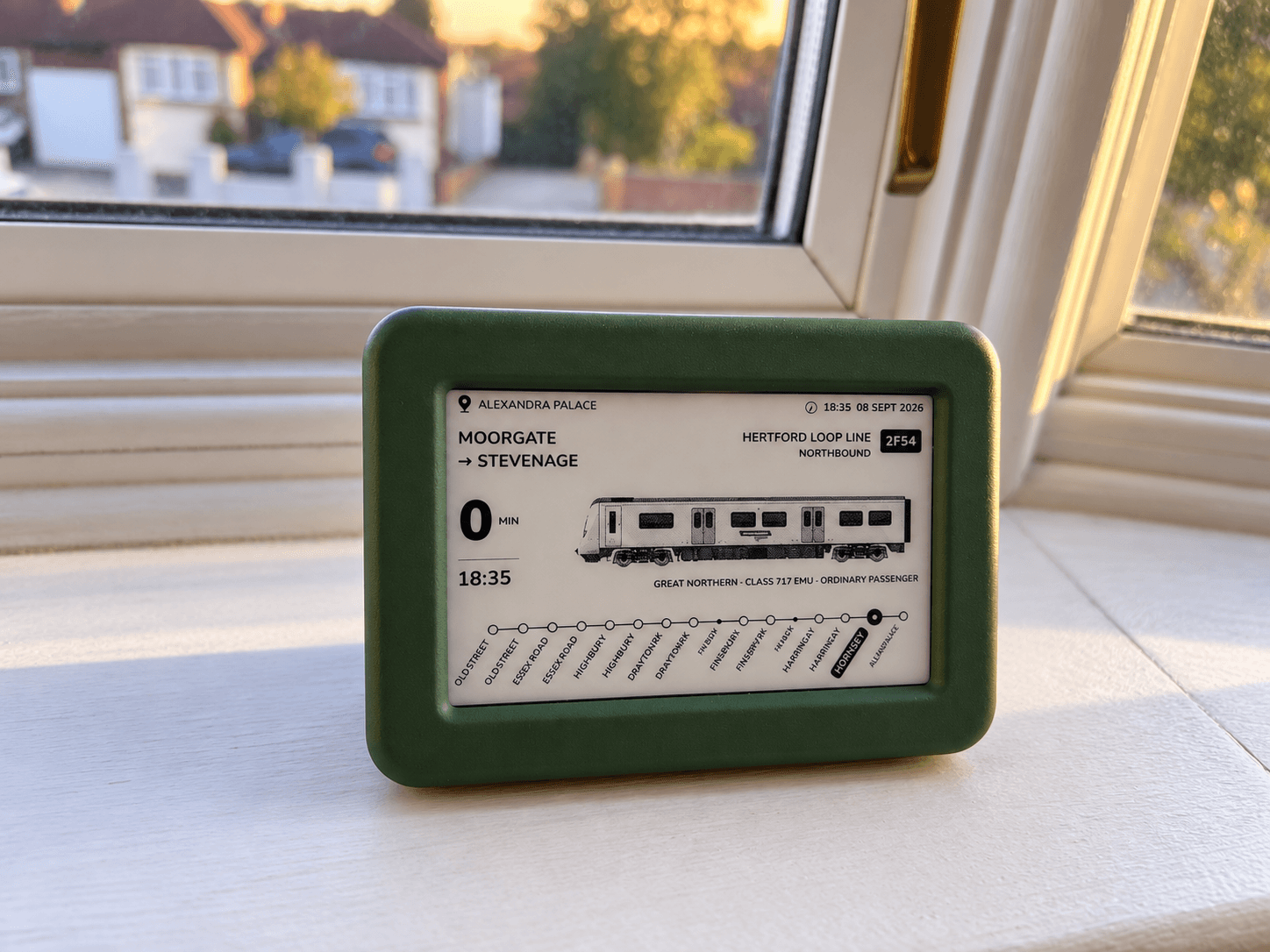
Follow somewhere close to home, or a favourite station miles away.
The ones worth looking up for.
The freight you stop to watch. The express you follow until it disappears. See trains approaching your chosen location, including those passing straight through.

Train information depends on the live data available.
How this differs from a departure board →Five ways to follow the railway.
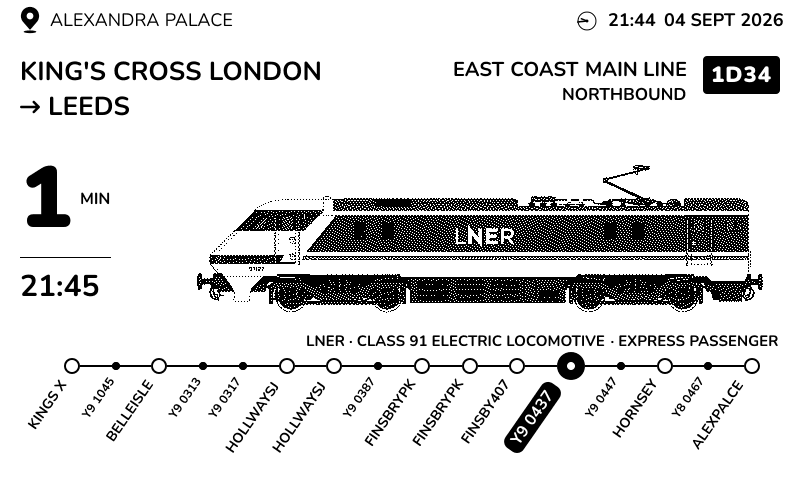
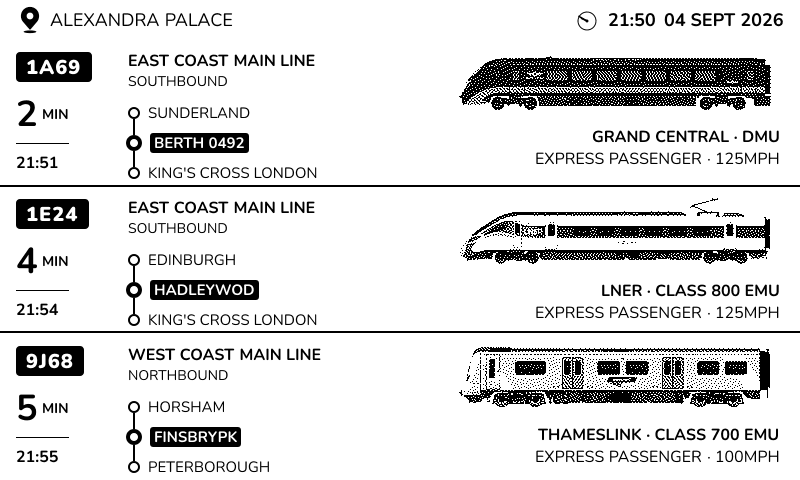
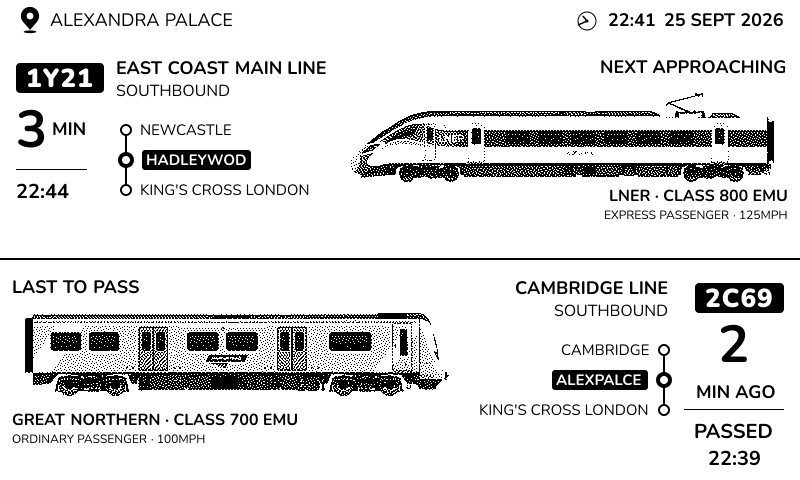
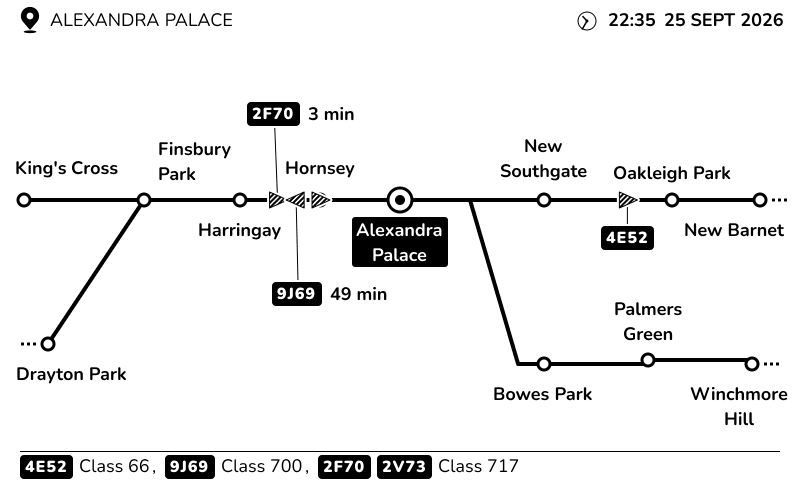
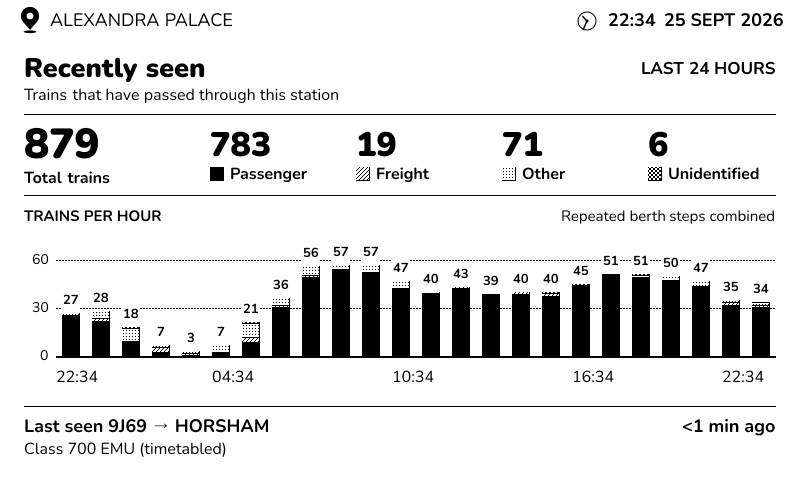
The next train, the one that just passed, or the whole day’s activity. Choose the view that suits your curiosity.
Next Train
Next Three
Next & Last
Schematic
Stats
A favourite railway.
A different view whenever you like.
Every view follows the location you choose. Keep an eye on the next arrival, watch the surrounding line or settle into the rhythm of a whole day.
Example screen captures. Train details, positions and estimates depend on the railway data available.
Switch views using the buttons on your display. Try them on the live 3D display above, too.
Take a closer look.
Rotate the display, then choose a label to explore the case or the screen.
You know who’d love this.
The dad with a shelf full of railway books. The friend who always spots the freight. The partner who’ll watch just one more train.
Give them Lineside Ink in green. They can choose their railway when they open it.
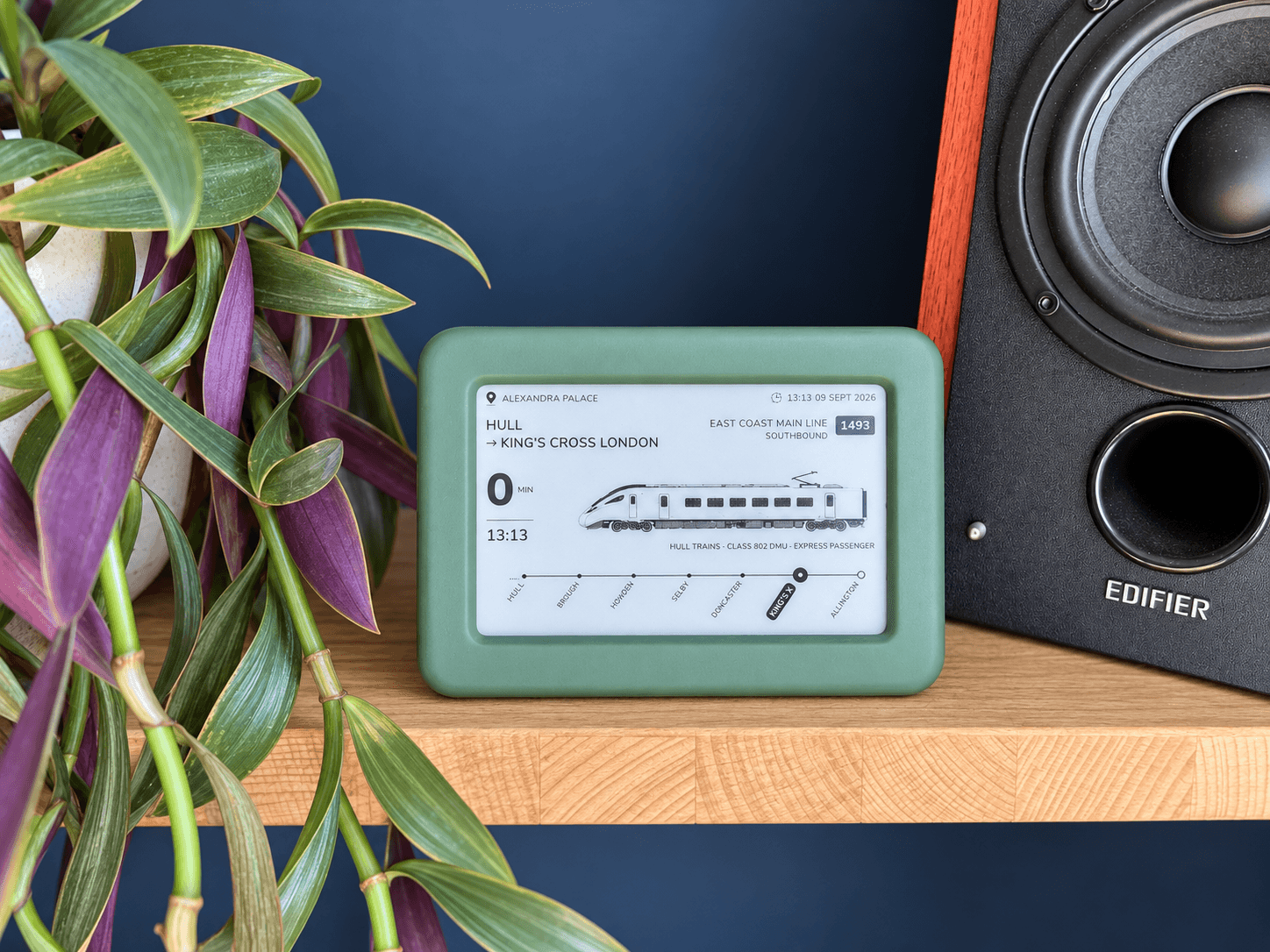
Pick your railway. Find it a home.
01 — Connect and choose
Use your phone or computer to connect Lineside Ink to your Wi-Fi and choose the places you want to follow.
02 — Find its place
Put it somewhere you’ll enjoy glancing over as the day goes on.
03 — Enjoy what comes next
The display updates as trains approach. Take a look whenever you feel like following along.

01 — Connect and choose
Use your phone or computer to connect Lineside Ink to your Wi-Fi and choose the places you want to follow.
02 — Find its place
Put it somewhere you’ll enjoy glancing over as the day goes on.
03 — Enjoy what comes next
The display updates as trains approach. Take a look whenever you feel like following along.
Setup needs 2.4 GHz Wi-Fi and a web browser. There’s no app to install.
How does it know what’s coming? →Which railway would you follow?
Start with a station you know. Find a busy hour, look for freight, or discover somewhere new with Lineside Spotter.
It started with the trains outside our window.
I live near the railway, and my children love watching the trains go by. Finding out what was coming meant opening a live tracking website. I wanted something we could simply glance at, so we could get on with watching.
That became Lineside Ink.
Each display is assembled and tested here in Hertfordshire.
A few things people ask.
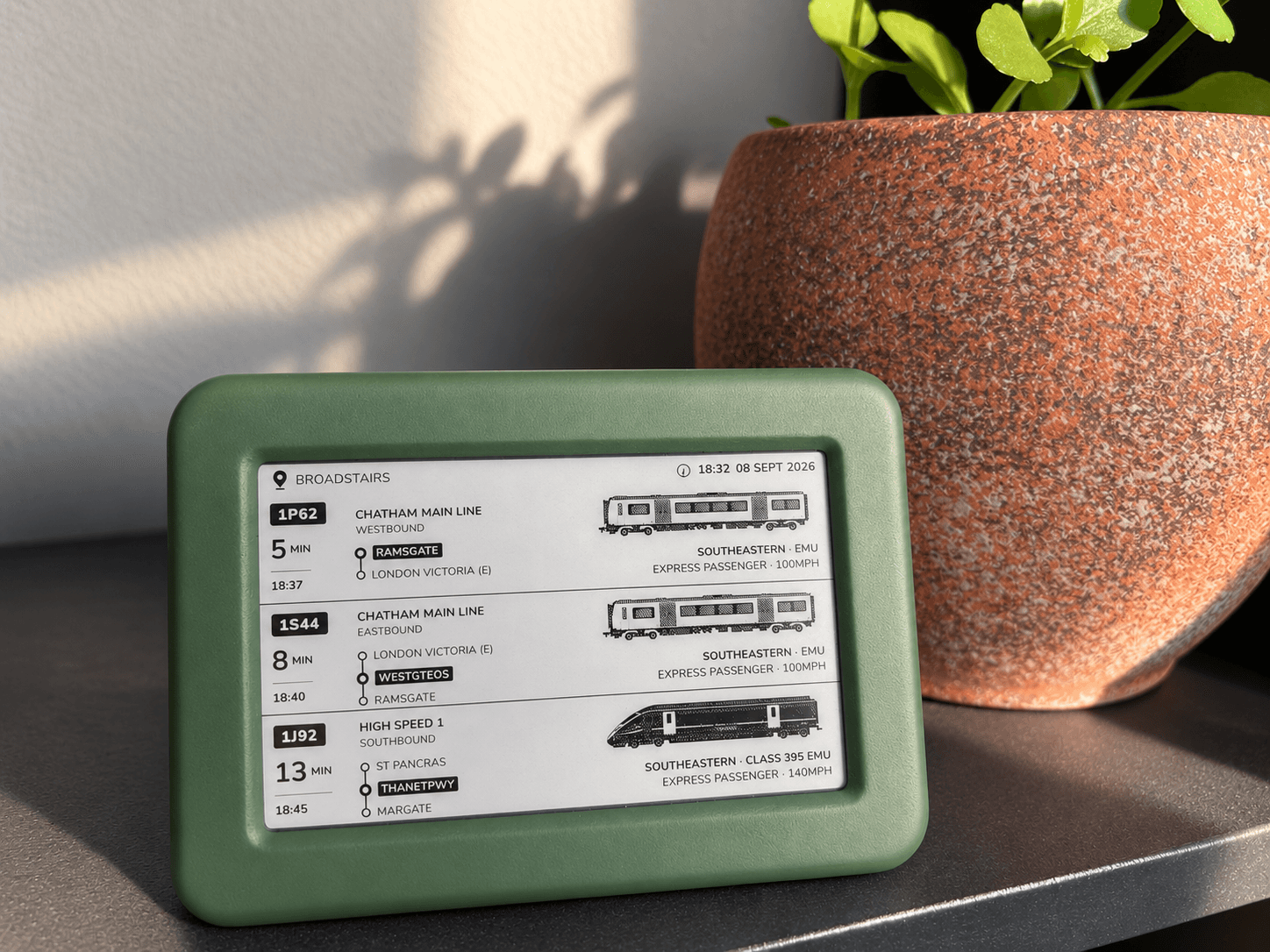
Make room for a little more railway.
A green finish you’ll love, with the railway you’ll keep coming back to.
A note from Lineside.
Notes from the workbench and news about new batches. Sent occasionally. You can unsubscribe at any time.